
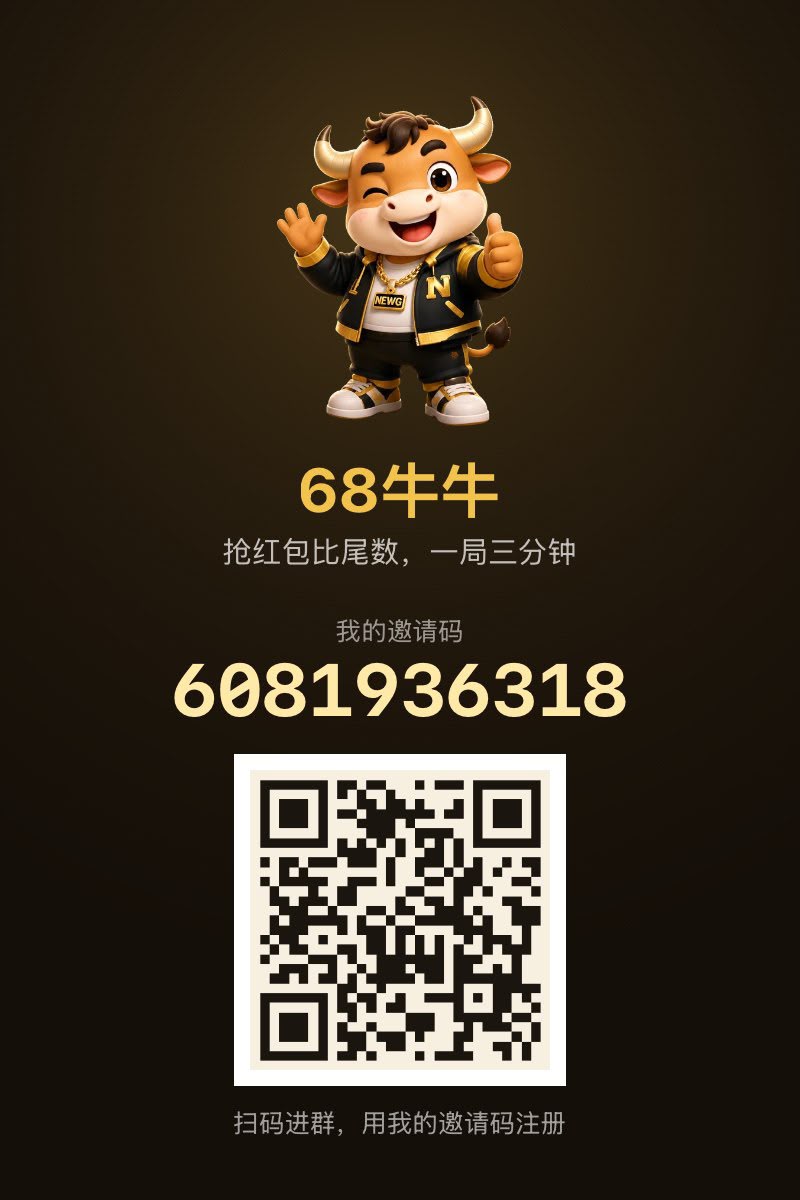
68 NiuNiu Registration Guide
68 NiuNiu registration requires entering through the official registration portal on the website to access the 68 NiuNiu official Telegram, then completing referrer binding, device binding, payment password setup, and name configuration as instructed. New users can use an invitation code or scan a QR code to enter the corresponding portal. Once all steps are completed, you can enter the 68 NiuNiu game lobby. Below is the complete process based on the actual registration interface to help new users set up their account step by step.
- 1. 68 Niu Niu Registration Steps: Enter Telegram from the Official Website to Complete Account Setup
- 2. How to Use 68 Niu Niu Invitation Codes and QR Codes?
- 3. Why Do I Need to Bind a Device When Registering for 68 Niu Niu?
- 4. How to Enter the Game Lobby After Completing 68 Niu Niu Registration?
- 5. 68 Niu Niu Registration FAQs
68 NiuNiu Registration Steps: Enter Telegram from the Official Website to Complete Account Setup
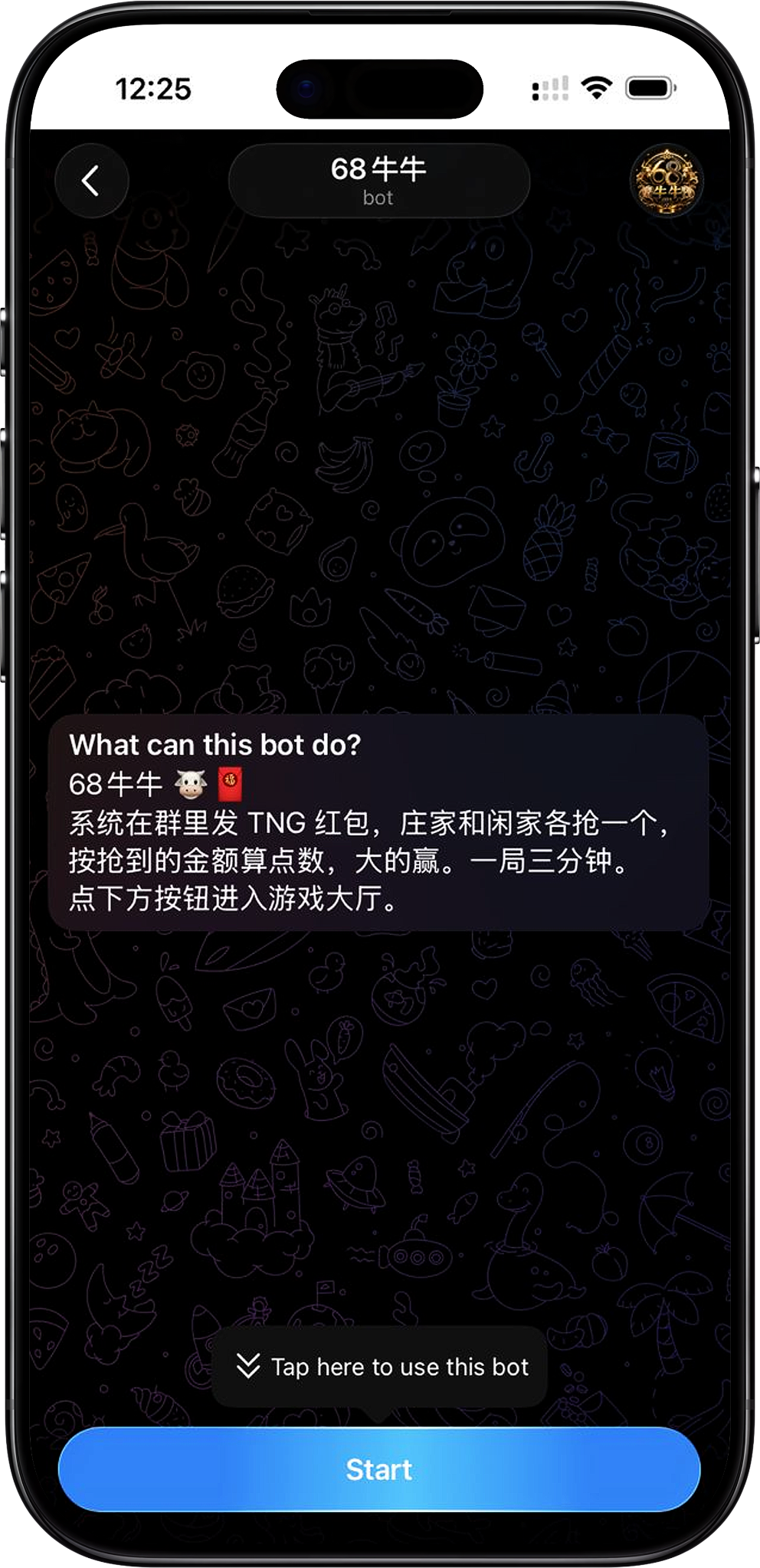
The 68 NiuNiu registration process begins with the official website registration portal, then proceeds to the official Telegram Bot. First-time users must sequentially enter the Bot, bind their referrer, bind the current device, set a 6-digit payment password, and configure a username. After completing these steps, your account can access the game lobby.
Step 1: Enter the registration portal from the 68 NiuNiu official website
Click the registration-related button on the current website page, and the system will redirect to the 68 NiuNiu official Telegram page. Confirm the page displays the 68 NiuNiu Bot, then click "START BOT" to continue. If your browser prompts to open Telegram, you can select "Open Telegram" to enter the Telegram app.
Step 2: Launch the Telegram Bot and enter the game lobby
After Telegram opens, launch the 68 NiuNiu Bot. The system will display prompts to enter the lobby and, if you already have referrer information, will indicate the corresponding invitation code. Click "Enter Game Lobby" to continue the registration process.
Step 3: Bind your referrer
When first entering, you must complete referrer binding. The registration page supports entering the referrer's UID or invitation code. If you entered through a portal with referrer information, follow the instructions shown on the page. After confirming the referrer's information, click "Next".
Step 4: Bind your current device
Next, follow the system prompts to bind your current device. 68 NiuNiu uses a one-account-to-one-device binding method. Once bound, you cannot change it yourself. If you need to change your bound device later, contact Support through the platform as instructed. The page also reminds you to ensure Touch 'n Go is installed and logged in on your current device to avoid affecting deposits, withdrawals, and gameplay.
Step 5: Set your 6-digit payment password
After device binding is complete, you must set a new 6-digit payment password. This password is used for account payments and fund-related operations and is also one of the security settings required to enter the lobby. When entering it, ensure the six digits are correct and keep your payment password secure.
Step 6: Set your account username
Finally, set the username you'll use on the platform. The username must be 2–12 characters long and can contain letters, numbers, and underscores. It will be displayed in groups, leaderboards, and transfer-related locations. Your username cannot be changed within 24 hours of setup, so confirm your entry before submitting.
Step 7: Complete registration and enter the lobby
After completing referrer binding, device binding, payment password setup, and username configuration, you can enter the 68 NiuNiu game lobby. The lobby displays your account name and account balance, and provides access to deposits, withdrawals, transfers, game rule information, and room entry.
How Do I Use 68 NiuNiu Invitation Codes and QR Codes?
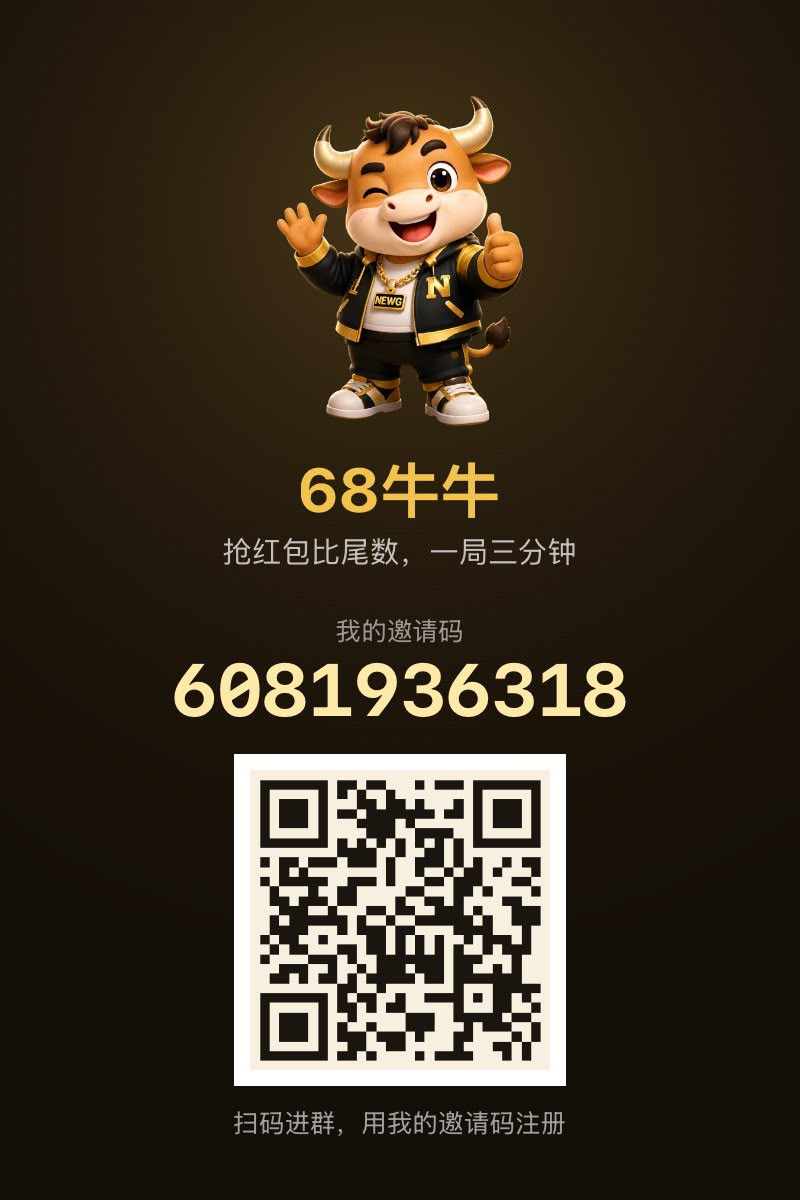
Invitation codes and QR codes are primarily used to identify and bind your referrer during registration. You can use an invitation code provided by your referrer to enter the registration process, or scan the corresponding QR code to open the registration portal. When first accessing the referrer binding page, check the referrer information displayed or entered by the system before proceeding to the next step.
Register with an invitation code
If you have obtained an invitation code from your referrer, you can use the corresponding invitation portal to enter the official Telegram, then complete the binding following the registration page instructions. If the system requires manual entry, enter the relevant invitation code or UID on the referrer binding page and continue.
Register by scanning a QR code
If you have a 68 NiuNiu registration QR code, you can scan it directly with your phone to enter the corresponding registration portal. After entering, follow the prompts from the Telegram Bot and registration page to complete the account setup. You do not need to find a separate registration page.
Why Does 68 NiuNiu Registration Require Device Binding?
Device binding is part of the account setup steps in the 68 NiuNiu first-time registration process. The system clearly uses a one-account-to-one-device binding method, so it is recommended to complete registration on the device you will primarily use to reduce the need to change devices later.
One account binds to one device
The registration page specifies that one account binds to only one device, and once binding is complete, you cannot change it yourself. If you later need to change your bound device, you must contact Support through the mini program on the original bound device.
Check Touch 'n Go Before Registration
The binding page requires Touch 'n Go to be installed and logged in on your current device. According to the registration prompts, the device status of Touch 'n Go will affect subsequent top-ups, withdrawals, and game operations. It is recommended to confirm that the relevant app is properly installed and logged in before clicking "Bind this device".
How Do I Enter the Game Lobby After Completing 68 NiuNiu Registration?
After completing all registration steps, the system will enter the 68 NiuNiu game lobby. Users can view their account balance in the lobby and choose to top up, withdraw, transfer points, view game rules, or enter rooms as needed. For subsequent use, you should access the platform through the account and device that have been bound.
Verify Your Account Name and Account Balance
After entering the lobby, you can first check the account name and account balance displayed on the page to confirm that your registration details have been properly created. The balance area provides a refresh function to check your current account funding status.
Select Your Next Action from the Lobby
The game lobby provides centralized access to main features. New users can first view the game rules to understand the basics; when ready to play, you can click "Enter Room" to proceed to the appropriate game area. Top-ups, withdrawals, and point transfers are each available through the corresponding lobby entrance.
68 Niu Niu Registration FAQs
Where Can I Register for 68 NiuNiu?
You can start from the registration entry on the 68 NiuNiu official website, which will direct you to the 68 NiuNiu official Telegram. After launching the Bot, follow the system prompts to complete the remaining registration steps.
Does 68 NiuNiu Registration Require an Invitation Code?
First-time users need to complete referrer binding. Users can enter through an entry with referral information, or enter the referrer's UID or invitation code as prompted on the page, then continue with registration.
Can I Register for 68 NiuNiu by Scanning a QR Code?
Yes. After obtaining the corresponding registration QR code, you can scan it to access the relevant entry, then complete referrer binding and other account settings through the official Telegram Bot.
What Information Do I Need to Set Up for 68 NiuNiu Registration?
According to the current registration process, you need to complete referrer binding, current device binding, set a 6-digit payment password, and set an account name. Once all steps are completed, you can enter the game lobby.
Can I Change the Bound Device After Registration?
Users cannot change the bound device on their own. According to the registration page, if you need to change the bound device later, you should contact Support through the mini-app on your original bound device.
Can I Change My Account Name Immediately After Setting It?
No. The name setting page notes that the account name cannot be changed within 24 hours of submission, so you should confirm the name before submitting during registration.
Start Registering for 68 Niu Niu
Enter the official Telegram registration entry from the 68 NiuNiu website, complete the referrer, device, payment password, and name settings as prompted, and you can enter the game lobby.